|
|
||||||||||||||||||||||||||||
|
||||||||||||||||||||||||||||
|
|
||||||||||||||||||||||||||||
|
CUT THE CORD to SAVE TIME & MONEY by attaching Ez-TAP ™ to the diagnostic connector and Ez-Base ™ to a computer instantly enabling wireless diagnostics from your favorite OEM software package as well as automatic reporting of vehicle faults and alerts that you control As Seen in the February 2008 Mack ™ Growler |
||||||||||||||||||||||||||||
Hardware Components 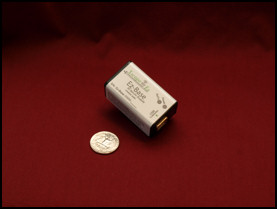
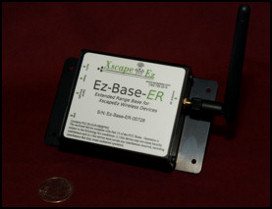
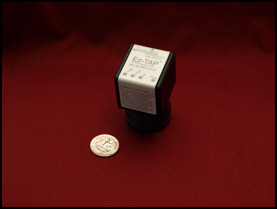 Download Documentation - PDF format unless otherwise specified. Click title to download. Product Brochure - 1 page product overview Quick Start Guide - Installation guide and getting started information |
||||||||||||||||||||||||||||
|
Download Drivers and Software EZ1210 Automated Installation - Recommended for most users, if you are unsure use this installation RF Base Station Drivers - USB drivers for the Ez-Base ™ station |
||||||||||||||||||||||||||||
|
Copyright © 2002-2013 XscapeEz Ltd. All Rights Reserved - Where Technology and Experience Work Together |
||||||||||||||||||||||||||||




